Translating engineering drawings manually is a bottleneck that no infrastructure or manufacturing firm can afford to ignore—especially when DWG file translation errors trigger rework costing up to 10% of total project budgets. For engineering teams working across borders, the challenge isn't just linguistic. It's structural: text embedded in AutoCAD and SolidWorks files resists easy extraction, and the copy-paste workaround that most teams default to introduces more problems than it solves.
The Real Cost of Manual Drawing Translation
Here's a scenario that plays out daily in engineering departments worldwide. A project coordinator receives a set of 47 DWG files for a wastewater treatment plant being built in Vietnam. The annotations, dimension labels, material callouts, and title block data are all in English. The local contractor needs them in Vietnamese. Someone—usually a junior engineer—opens each file, selects text objects one by one, copies them into a spreadsheet, sends that spreadsheet to a translator, waits for the return, then pastes everything back into the CAD file, manually adjusting position, font size, and formatting for every single text element.
On a package that size, the extraction and reinsertion alone can eat 40–60 hours of engineering time. And that's before anyone catches the mistakes.
A 2025 report by the American Society of Mechanical Engineers (ASME) found that formatting errors in translated CAD documents contribute to roughly 35% of delays in international engineering collaborations. That figure shouldn't surprise anyone who's watched a dimension label shift three millimeters after reinsertion and throw off an entire assembly tolerance stack-up. But the knock-on effects go further. PlanGrid and FMI's joint study on construction rework identified miscommunication as the cause of 26% of all project rework, with bad or inaccurate data accounting for another 14–22%. When you consider that rework typically consumes 5–10% of total construction project costs—per decades of data from the Construction Industry Institute—those percentages translate into billions of dollars annually.
| Rework Factor | Share of Rework | Source |
|---|---|---|
| Miscommunication | 26% | PlanGrid & FMI (2018) |
| Bad/inaccurate data | 14–22% | Autodesk & FMI (2021) |
| Design-related errors | 1–9% of project cost | Multiple academic studies |
| Total rework as % of project cost | 5–10% (typical range) | Construction Industry Institute |
Why DWG Files Fight Back
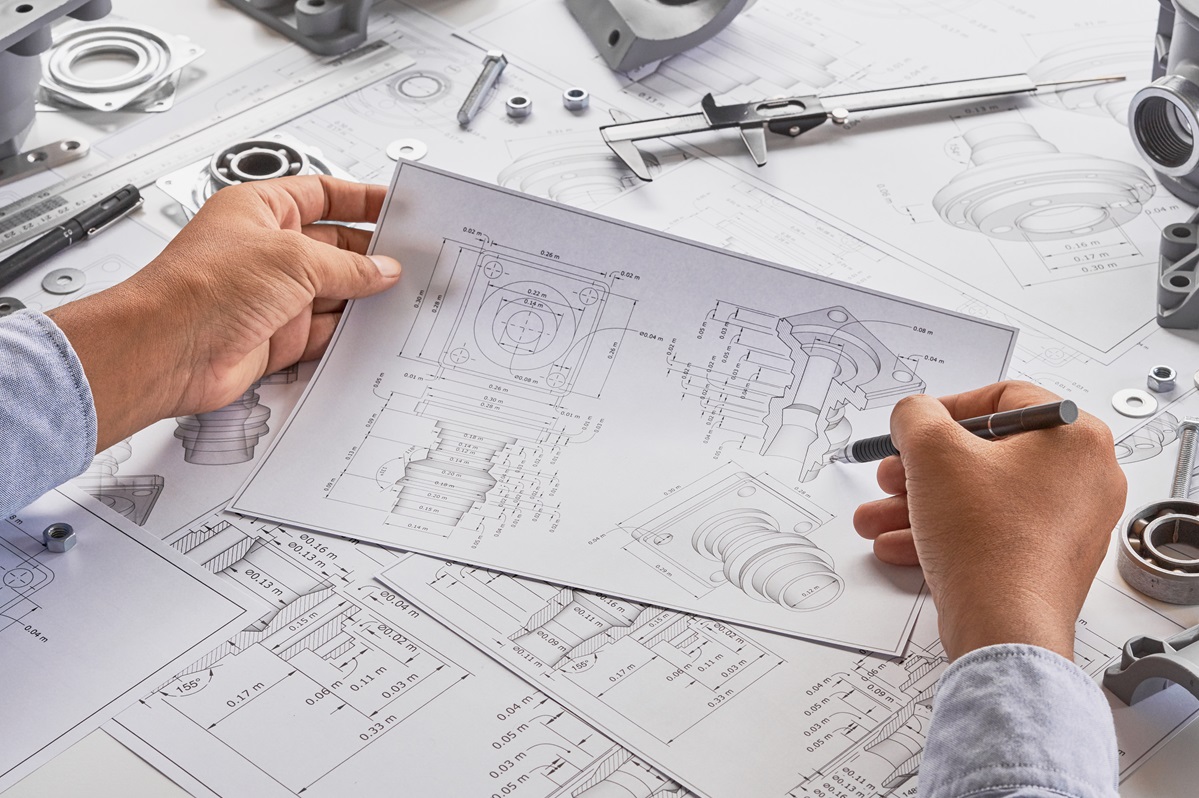
AutoCAD's DWG format wasn't designed with multilingual workflows in mind. The file structure stores text as discrete entities—single-line text (TEXT), multiline text (MTEXT), attributes within blocks, dimension overrides, leader annotations, and tolerance frames—each with its own formatting properties, coordinate positions, and layer associations. Extracting all of these while maintaining spatial relationships is nothing like extracting paragraphs from a Word document.
Several compounding issues make DWG file translation uniquely difficult:
Nested block references. Text inside blocks repeats across every instance. Translating a single block attribute should update all instances, but manual copy-paste breaks this relationship, creating inconsistencies that are nearly impossible to spot visually.
Dimension-linked text. When dimensions are associated with geometry, overriding the text string breaks the parametric link. The number displays correctly, but the underlying measurement is severed—dangerous territory for any downstream revision.
Font and encoding mismatches. Asian-language characters often require different SHX fonts or TrueType equivalents. A character that renders fine in the translation spreadsheet may display as question marks or boxes when pasted back into the DWG file if the correct font isn't loaded in AutoCAD.
Layer and style dependencies. Text objects inherit properties from their layer and text style. Manual reinsertion frequently overrides these, producing drawings that fail corporate or regulatory CAD standards checks.
The Automation Path: Extract, Translate, Reinsert
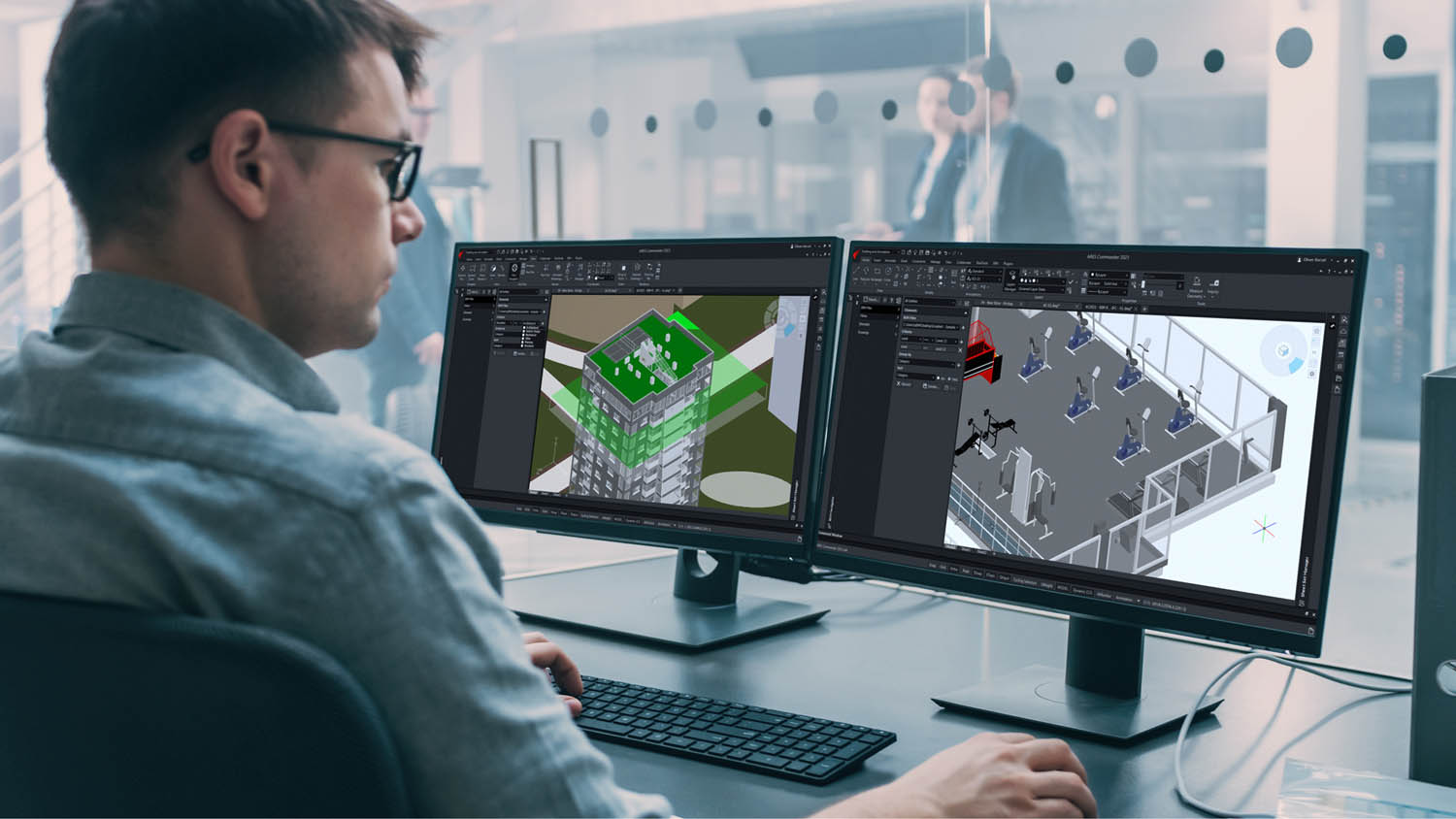
The alternative to manual extraction isn't just "use a better workflow." It's purpose-built automation that treats the DWG file structure as what it is—an interconnected database of geometric and textual entities, not a flat document.
Here's how a properly automated engineering drawing translation pipeline works:
1. Programmatic text extraction. Rather than selecting objects manually, automation scripts (typically leveraging the AutoCAD API via .NET or LISP) iterate through the entire file database. They catalog every text entity—TEXT, MTEXT, block attributes, dimension text overrides, leader content, table cells—and export them to a structured format (XLIFF, XML, or Excel) with full metadata: entity handle, insertion point, rotation angle, text height, width factor, layer, and style.
2. Translation in context. Translators work in CAT tools (Trados, memoQ, Phrase) with the exported file, benefiting from translation memories and terminology databases specific to engineering and construction. Because the metadata is preserved, translators can see character-length constraints and positional context—knowing, for example, that a label has a 12-character limit before it overlaps adjacent geometry.
3. Controlled reinsertion. The translated text imports back into the DWG file via the same API, with each translation matched to its original entity handle. Position, formatting, and parametric relationships are preserved. Block attribute translations propagate automatically to all instances. Dimension overrides maintain their association with the underlying geometry.
4. Validation and QA. Automated checks compare the source and target files entity-by-entity, flagging any untranslated strings, formatting deviations, or positional shifts. This systematic verification replaces the error-prone manual visual scan.
The efficiency gains are substantial. Aberdeen Group research indicates that CAD-driven automation processes yield a 50% reduction in change order cycle times. Firms using in-file translation methods—skipping the extract-paste dance entirely—have reported shaving 25–40% off their localization budgets, according to a 2025 Gartner analysis. And the time savings are equally dramatic: what once took a week of engineering hours can be compressed to a day or less.
Industry-Specific Stakes
The urgency around accurate DWG file translation varies by sector, but the underlying risk profile is remarkably consistent.
Infrastructure and Construction
International infrastructure projects live and die by drawing accuracy. A mistranslated material specification on a reinforced concrete detail doesn't just cause confusion—it can compromise structural integrity. The Construction Industry Institute has documented design-related errors accounting for 1–9% of total project cost, and translation errors are a subset of that category that's been historically underreported because firms rarely isolate "translation" as a cost center. When a 4 million that could have been avoided.
Smart Manufacturing and Industry 4.0
The global CAD software market reached 20 billion by 2028, growing at a CAGR of 8.2%. Autodesk commands a 45% market share, meaning nearly half of all CAD work happens in the AutoCAD ecosystem where DWG is the native format. As manufacturing supply chains globalize—with design in Germany, tooling in China, and assembly in Mexico—the volume of DWG files crossing language boundaries is expanding faster than most organizations' ability to translate them accurately.
Frost & Sullivan's research shows that CAD automation has already reduced time-to-market by 15% for automakers. But that efficiency gain only materializes when the translation layer doesn't introduce new delays. A single mistranslated tolerance specification on a machined part can trigger a quality escape that costs far more than the translation itself.
Energy and Utilities
The World Economic Forum estimates that digital technologies in oil and gas, including CAD automation, can reduce operational costs by up to 20%. For offshore platform projects where drawings must comply with both local regulatory languages and international standards (API, ASME, ISO), the translation workload is massive. A single platform might involve thousands of P&ID drawings, each containing hundreds of text entities. Manual extraction isn't just slow—it's statistically guaranteed to miss something.
Common Mistranslation Traps in Engineering Drawings
Beyond the mechanical challenges of DWG file handling, the linguistic side of engineering drawing translation carries its own set of pitfalls that automation alone can't fix. A 2025 MIT engineering lab study flagged that 65% of technical mistranslations stem from missing domain knowledge—translators who don't know the difference between a "shaft" (rotating component) and a "shaft" (mining excavation), or between "tolerance" (engineering specification) and "tolerance" (social concept).
Some of the most dangerous confusions in engineering contexts:
| English Term | Wrong Translation Context | Correct Engineering Meaning |
|---|---|---|
| Nut | Edible seed | Threaded fastener |
| Shaft | Mining tunnel | Rotating cylindrical component |
| Torque | Twisting force (vague) | Specific rotational force measurement |
| Grade | Academic score | Material classification or slope |
| Fit | General suitability | Dimensional relationship between mating parts |
| Die | Death | Tool for forming/cutting material |
This is why the translation workflow matters as much as the extraction workflow. Automation solves the structural problem; domain-expert translators solve the semantic problem. Neither alone is sufficient.
Building a Reliable Drawing Translation Process
For organizations evaluating how to scale their engineering drawing translation, the practical framework looks like this:
Audit your current workflow. Track the actual hours spent on text extraction, translation coordination, reinsertion, and QA review for a representative project package. Most firms underestimate this by 50% or more because the work is distributed across multiple roles and rarely tracked centrally.
Evaluate automation compatibility. Not all DWG files are structured for automated extraction. Files with exploded text, proxy entities from third-party applications, or non-standard layer conventions require additional setup. Run a pilot on 5–10 representative files before committing to a full pipeline.
Invest in terminology management. Build a glossary of project-specific and domain-specific terms with approved translations. This resource pays compound returns: faster translation turnaround, fewer errors, and consistent terminology across all project documentation—not just drawings.
Separate linguistic QA from engineering QA. Translators should verify accuracy and completeness of the text. Engineers should verify that the translated drawing still communicates the correct design intent. These are different skills and different checks; conflating them leads to gaps on both sides.
Measure the ROI. Compare the time, cost, and error rate of your pre-automation workflow against the automated process over at least three project cycles. The Aberdeen Group's 50% reduction in change order cycle times provides a benchmark, but your own data is more persuasive for internal buy-in.
What This Means for Your Next Project
Engineering drawing translation sits at the intersection of technical precision and linguistic expertise. Getting it wrong is expensive—sometimes catastrophically so. Getting it right requires both the right tools for DWG file handling and the right human expertise for domain-accurate translation.
The data is unambiguous: automated text extraction eliminates the structural errors that manual workflows introduce, while domain-specialized translators catch the semantic errors that automation misses. Together, they reduce rework, compress timelines, and protect margins on projects where every specification matters.
For teams navigating multilingual engineering documentation at scale, partnering with a translation provider that understands both sides of this equation isn't optional—it's the difference between drawings that communicate accurately across languages and drawings that create new problems to solve. Artlangs Translation brings exactly that dual capability, proficient in 230+ languages and backed by years of focused expertise in engineering drawing translation, video localization, short drama subtitle adaptation, game localization, multilingual audiobook dubbing, and multilingual data annotation and transcription. Their track record across infrastructure and smart manufacturing projects speaks to a practical understanding of what's at stake when a DWG file crosses a language boundary—and how to get it right the first time.